LAKE WALES COMPUTER REPAIR & ON-SITE TECH HELP
Computer repair in Lake Wales.
Help where you are.
Need computer repair in Lake Wales? Get help with your laptop, desktop, Wi-Fi, or printer at your home or business—or arrange a workshop drop-off when the job needs a closer look.
Based in Lake Wales • On-site visits available • Call or text James


Proud member of the
Lake Wales Area Chamber
& Economic Development Council
You don’t have to untangle it all yourself.
From alarming pop-ups to a computer that won’t cooperate, start with what you’re seeing. You don’t need the technical name for it.
Slow enough to stop your day?
Get help with slow startup, freezing, and aging storage. Explore NVMe upgrades and memory options when they make sense for your computer.
Keep useful equipment working for you.
Black screen? Spinning wheel?
Get help with Windows or Mac startup problems and failing hardware. PC laptop screen replacements are also available. Explore operating-system repairs or desktop and laptop repair services.
Understand the problem before choosing a repair.
Scary alerts and scammer access
An alert telling you to call a number may be a scam. Don’t call the number in the warning. Get local help you can verify, with malware cleanup and scammer eviction when needed.
Take the next step with clear guidance.
Help right where the problem is
Leave the cables where they are. On-site visits can help sort out Wi-Fi, printers, computer setup, and suitable everyday problems at your home or small business.
Describe the setup when you call.
A new computer—or a smarter upgrade?
From a family laptop to a gaming PC, choose equipment around what you actually need. Ask about new builds and upgrades, moving your files, or recovery options for a failing drive.
Make a useful change, with the costs explained.
Help using your technology
Get patient, one-to-one help with setup, software, and everyday computer tasks. Ask about a training session built around what you need to learn.
Learn at a pace that works for you.
You may not need a new computer.
Before spending money on a replacement, find out whether a repair or upgrade is a sensible option. Get a plain-English explanation so you can choose what works for your needs.
Comparing costs? See the current service pricing, then ask about the scope of your job.
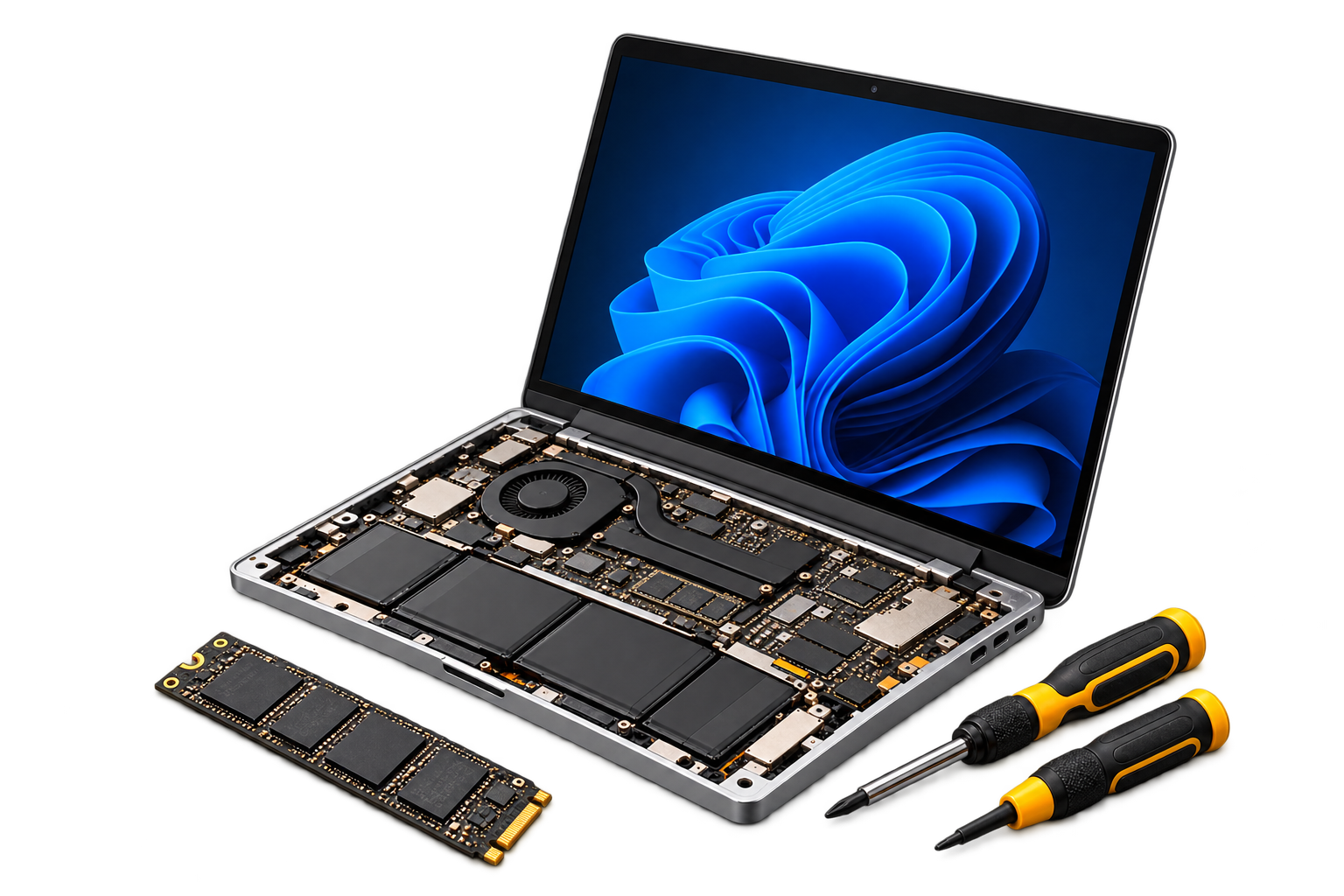
Local help. At your doorstep or by drop-off.
I’m based in Lake Wales, helping homes and small businesses in town and across Polk County. From the downtown area to homes around Lake Wailes, tell me where the equipment is and what you need to get working. Check Polk County service coverage if you are booking from another community.
A nearby address does not mean you need to disconnect everything. A printer or Wi-Fi problem may be best checked where you use the equipment; a computer with hardware faults may need a scheduled workshop assessment. Suitable remote help can be considered before arranging a trip.
Get help at home or work
For Wi-Fi, printers, setup, and suitable computer problems, an on-site technology visit can save you disconnecting everything. Share your location and symptoms to check whether a visit fits the job.
Arrange a workshop drop-off
For hardware repairs and deeper testing, arrange a drop-off at the home workshop in Lake Wales. This is by appointment, not a walk-in retail shop. Call or text first to confirm the time and what to bring; include a laptop’s charger and mention important files or recent changes.
Know the costs before booking
On-site and in-shop work have different rates. Review pricing and confirm any travel charges, parts, and proposed work before proceeding.
From “it’s not working” to a clear next step.
1. Describe the problem
Call or message with what’s happening, your device, and where you need help.
2. Choose the right approach
Discuss an on-site visit or arranged drop-off, the proposed work, and costs.
3. Get back to using your tech
Have the agreed work completed, with explanations you can understand.
Questions before you book?
Can you come to my home in Lake Wales?
Yes. On-site help is available for suitable computer problems, Wi-Fi, printers, and setup. Some repairs need workshop testing or parts; describe the problem first so you can choose the right option.
Do you repair both laptops and desktops?
Yes. Desktop and laptop repairs are available, including hardware and software troubleshooting. PC laptop screens can be replaced; Mac screen repairs may need a referral.
Can I get a same-day appointment?
Availability depends on the schedule, the problem, and any parts needed. Call or text to ask about the next opening and likely turnaround.
Do I have to bring my computer in?
No. An on-site visit may be suitable, or you can arrange a workshop drop-off in Lake Wales. Contact James before traveling so your visit is expected.
Technology megabytes.
Getting help shouldn’t.
Call or text James with what’s happening. Prefer a message? That works, too.

Technology help that meets
you where you are.
Service Areas
Lake Wales, Winter Haven,
Dundee, Babson Park,
Frostproof and surrounding
Central Florida communities.
Contact
863-430-0220
Text me, too
Send Me a Message