NEW PC BUILDS & UPGRADES
Build around what you actually do.
A dependable workhorse, a gaming PC, or a computer that simply needs to feel quicker—let’s spend your budget where it matters.

Proud member of the
Lake Wales Area Chamber
& Economic Development Council
Upgrade the right parts. Or start fresh.
I help with personal computers, business workstations and gaming systems. Before buying parts, we’ll look at the current machine, your software, compatibility and the result you’re after. Sometimes a storage or memory upgrade is enough; sometimes a replacement is the better use of your money.
Tell me the goal.
What do you use, what feels slow, what do you want to run, and what budget are you comfortable with?
Everyday & business PCs
A work computer should suit the applications you depend on, not just a long specification list. We’ll discuss your software, storage, screen connections and multitasking before choosing compatible parts or a suitable replacement.
Gaming builds
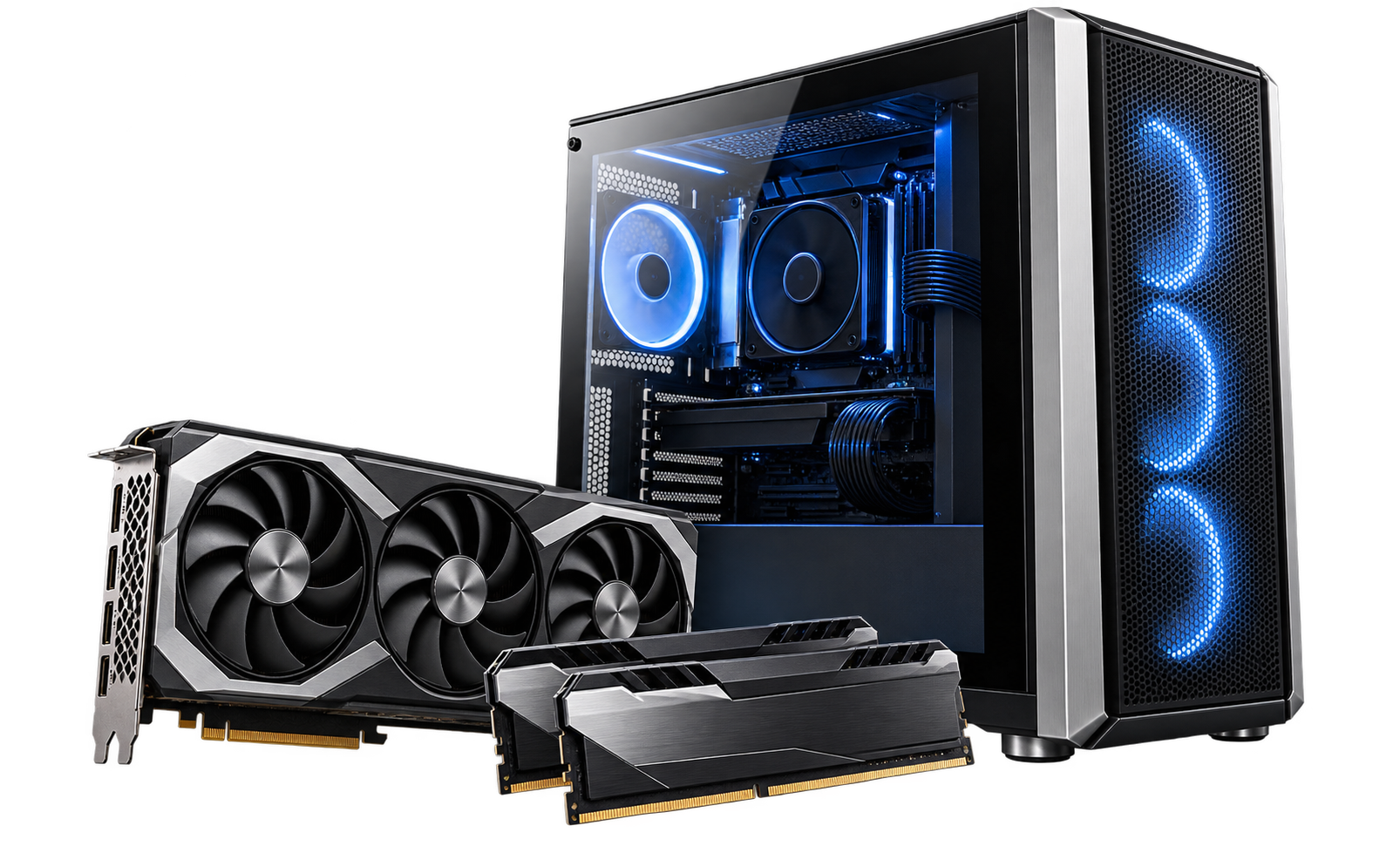
Choose a build around the games you play, your display and your budget. Graphics, processor, memory, power and cooling need to work together. Existing parts may be reusable after checking their condition and compatibility.
Laptop & desktop upgrades
An SSD or memory upgrade can make sense when the computer supports it and the rest of the machine is healthy. Laptop parts are often less flexible. I’ll check the model and discuss whether an upgrade is worth the cost.
The whole system matters.
CPU, graphics, memory, storage, power, cooling and case compatibility all matter. I’ll help you balance them, then discuss assembly, setup, testing and any data migration as part of the agreed quote.
1. Start with the goal
Tell me what you use, what feels slow and what you want the computer to do. Share the model or current parts list and a comfortable budget.
2. Agree on the parts
We’ll review compatibility, condition and the proposed work before you buy. Parts, assembly, setup and any file transfer are identified in the agreed quote.
3. Set up and check
The agreed build or upgrade is assembled and checked for its intended use. We’ll discuss account access, software installation and any further setup you need.
Before we get started.
Can I use parts I already own?
We can review them before committing to a build. Compatibility, condition and warranty coverage need checking.
Can I learn while building it?
Yes—guided PC builds are offered through Technology Training. The guidance fee is $250–350; parts are extra, and the exact scope is agreed first.
Will my files and programs move over?
Tell me which files, programs and accounts you need. File transfer and application setup are separate parts of the plan; some programs need reinstalling and a valid license. Discuss backups before changing storage.
Should I buy parts before contacting you?
It is usually better to check the plan first. A part can fit one specification and still be unsuitable for the case, power supply, motherboard or software. Send the proposed parts list before committing.
Build and upgrade pricing.
Parts and the work required determine the quote. Guided PC-build training has its own pricing on the Technology Training page.
PC build or upgrade
Parts, assembly and setup scoped first
Quoted for your project
Discuss your existing computer, intended use and budget before buying parts.
- Parts and labor identified in the quote
- Compatibility and existing parts reviewed
- Guided build training is a separate option
Not sure which option fits? Describe the problem and request an estimate. Appointments and drop-offs are arranged in advance. Travel and any separate pickup or return setup are confirmed when booking.
PC build or upgrade
Quoted for your project · Parts, assembly and setup scoped first
Discuss your existing computer, intended use and budget before buying parts.
- Parts and labor identified in the quote
- Compatibility and existing parts reviewed
- Guided build training is a separate option
Scope and any separate charges are agreed before work starts.
Let’s find your next step.
Tell me what’s happening. I’ll help you choose a sensible way forward.

Technology help that meets
you where you are.
Service Areas
Lake Wales, Winter Haven,
Dundee, Babson Park,
Frostproof and surrounding
Central Florida communities.
Contact
863-430-0220
Text me, too
Send Me a Message